 Our apps
 Vespucci
 Baba

Jasmine
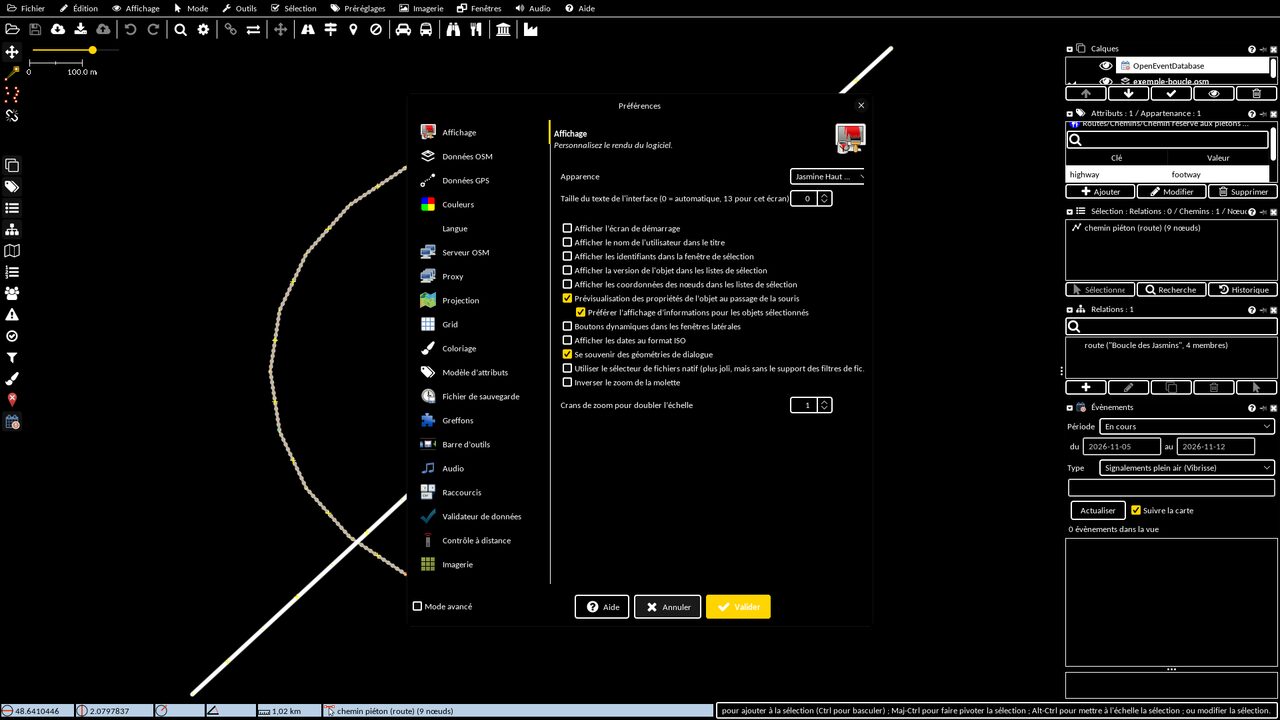
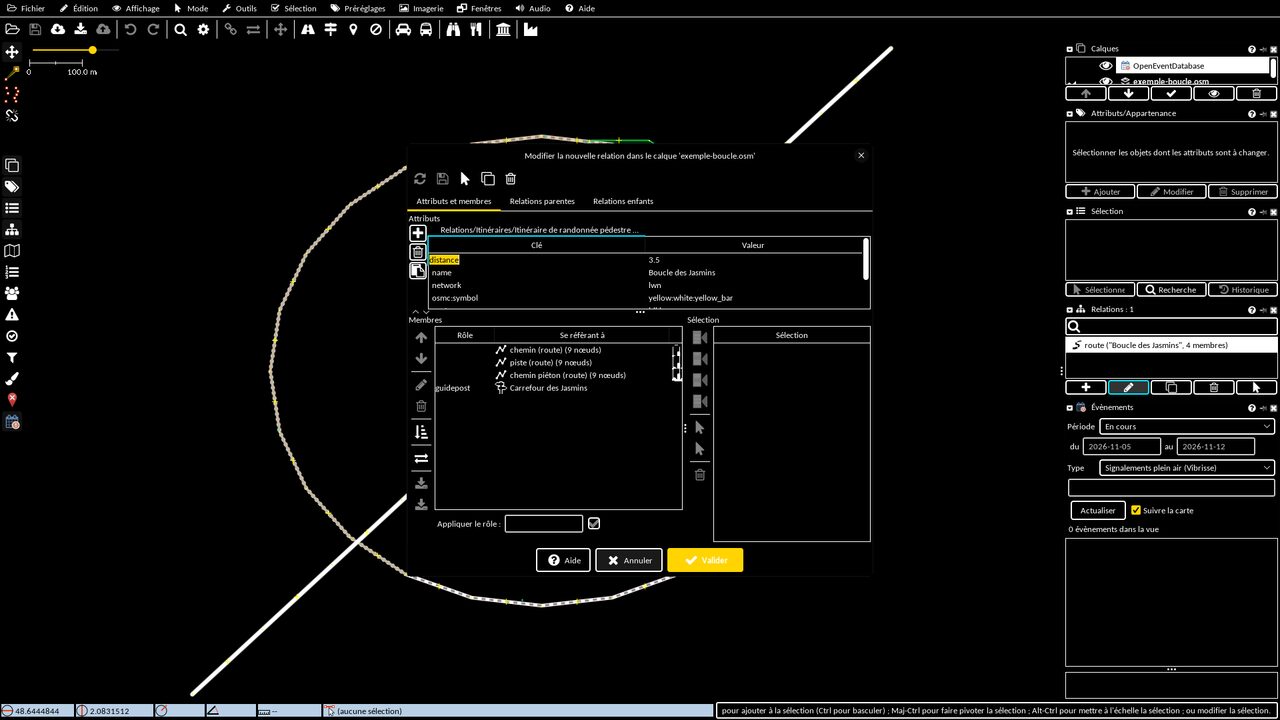
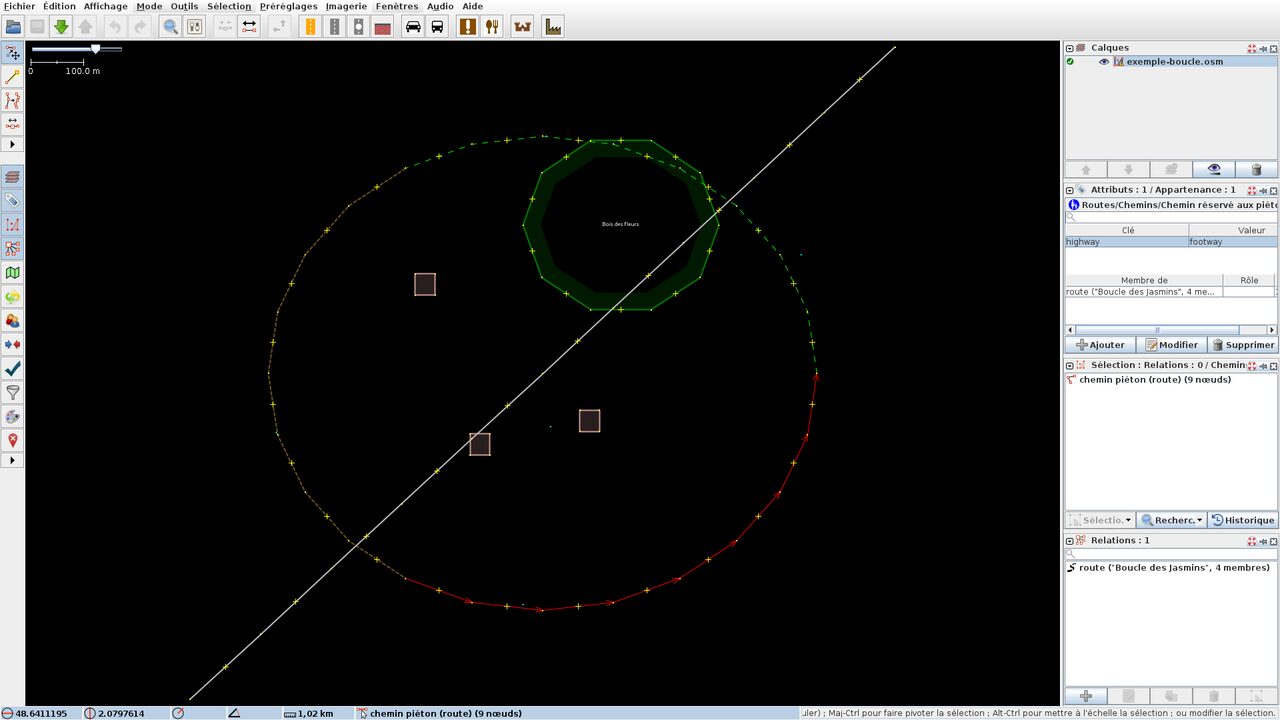
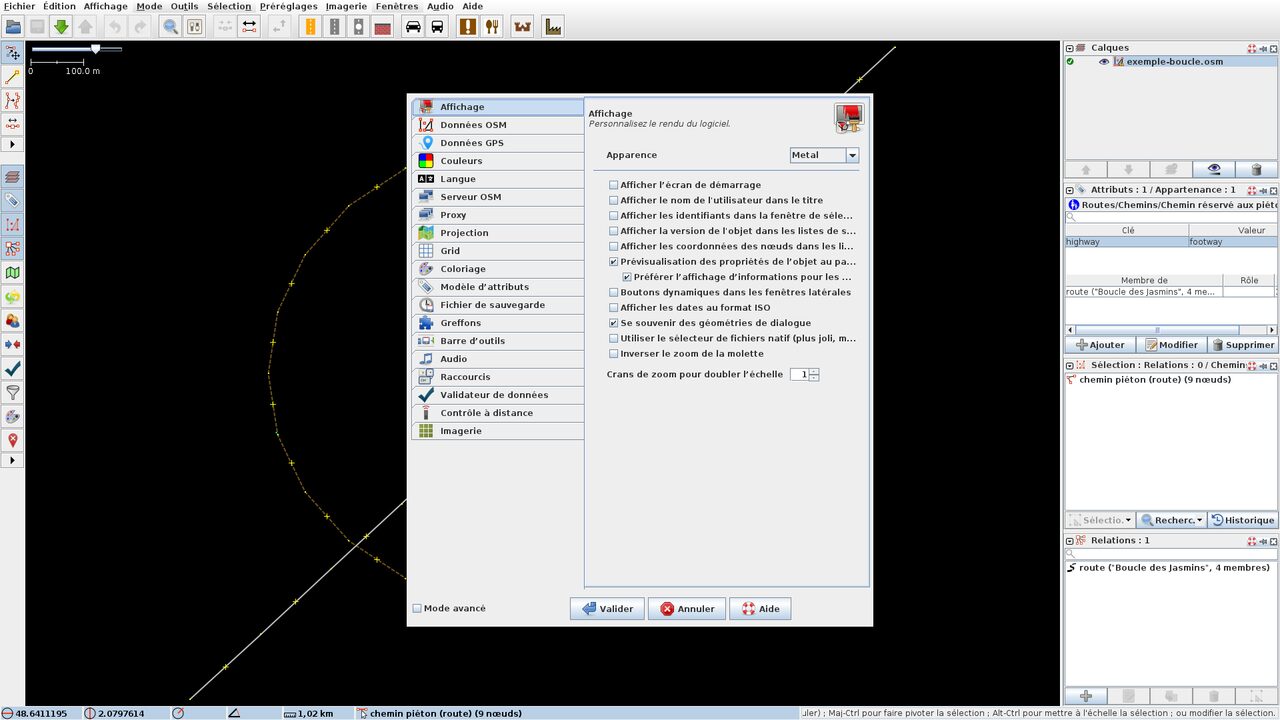
JOSM, the desktop OpenStreetMap editor, made prettier: same editing engine, same plugins, same presets, same upload to OSM. The look changes: Doom Nord, light and high-contrast themes, vector icons, roomier buttons, a Carlito font sized for the screen.
Run
java --add-exports=java.base/sun.security.action=ALL-UNNAMED \
     --add-exports=java.desktop/com.sun.imageio.plugins.jpeg=ALL-UNNAMED \
     --add-exports=java.desktop/com.sun.imageio.spi=ALL-UNNAMED \
     -jar jasmine.jar
A plain java -jar jasmine.jar works too: JOSM then warns about missing arguments, close it with
“Continue”. Jasmine keeps its settings apart from JOSM's (~/.config/jasmine,
~/.local/share/jasmine and ~/.cache/jasmine on Linux): both can be installed side by side.
Screenshots
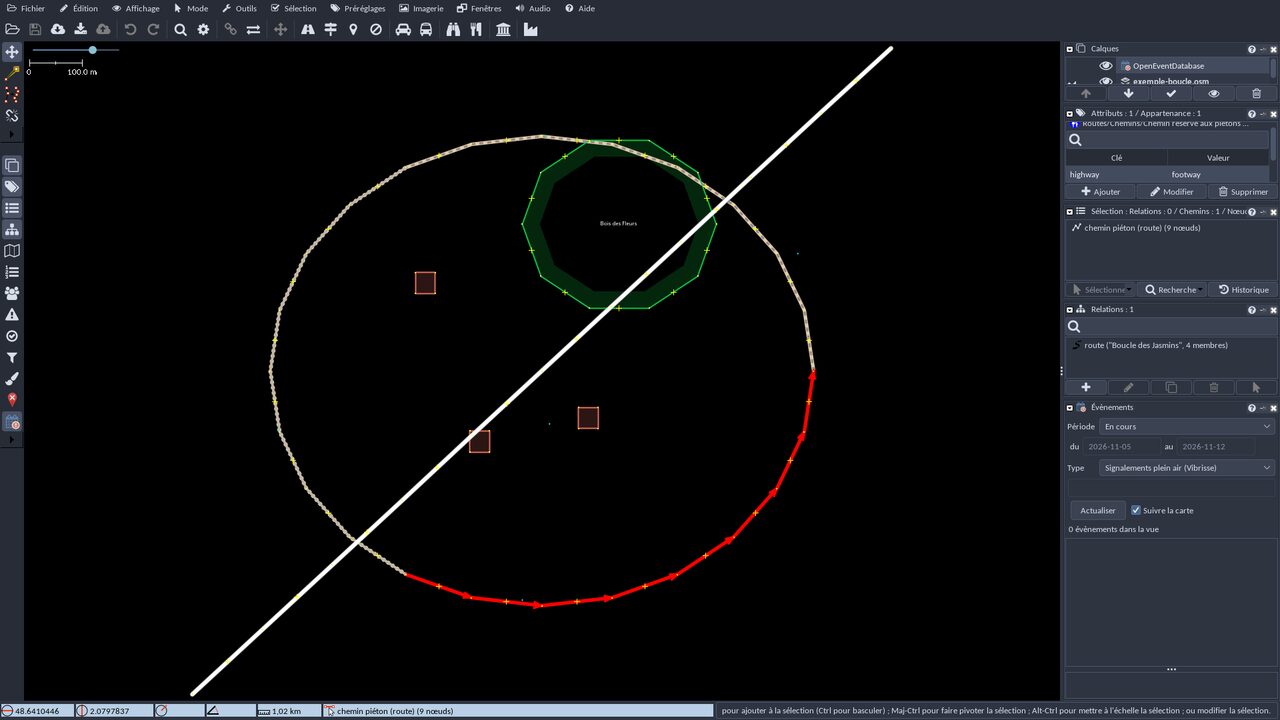
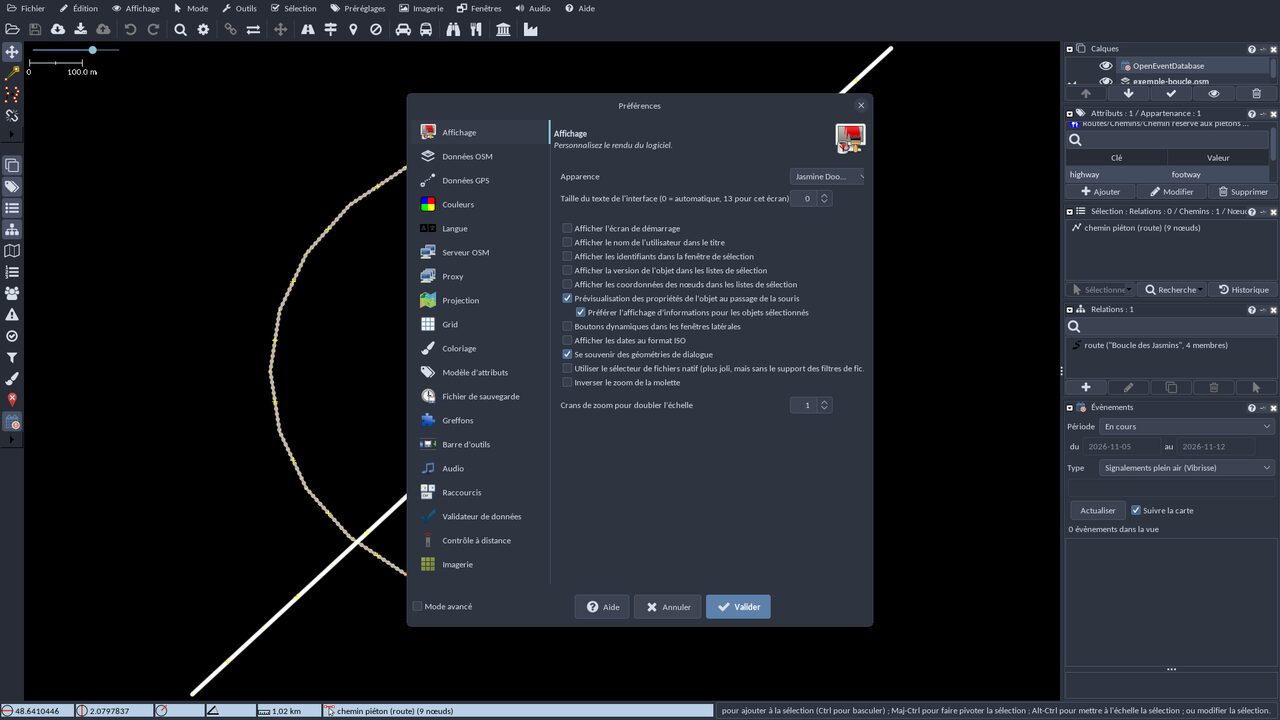
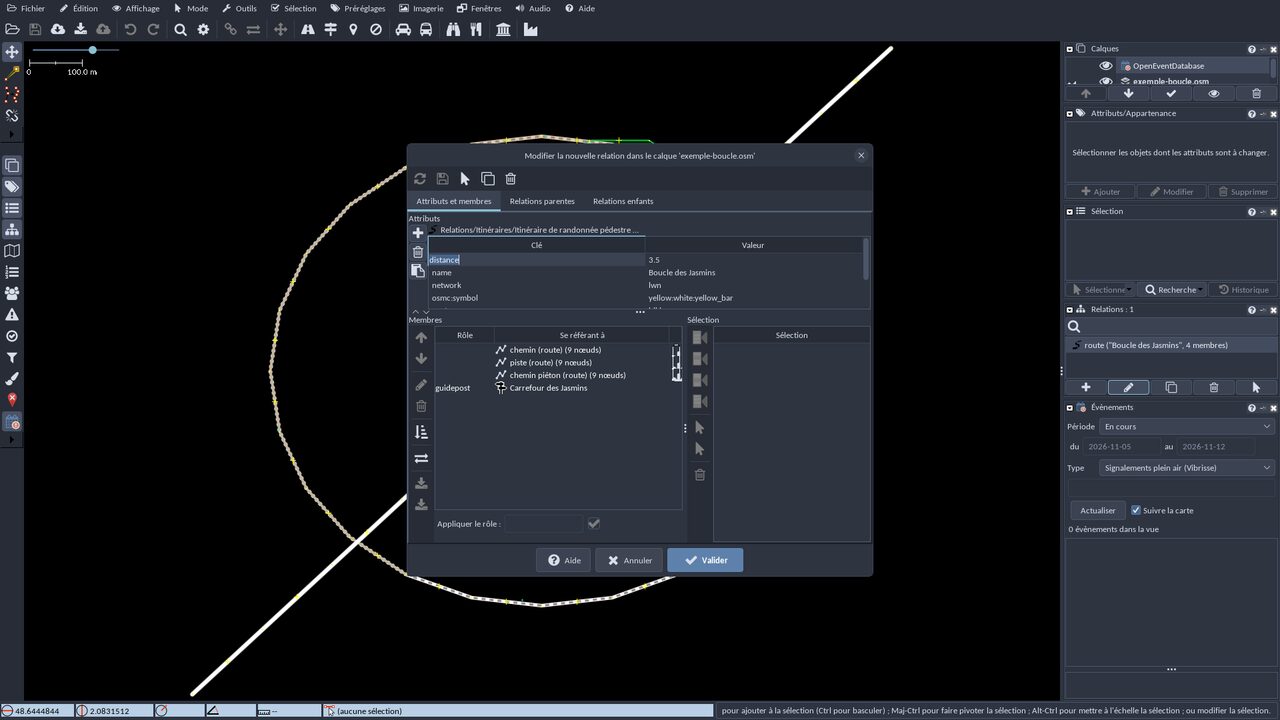
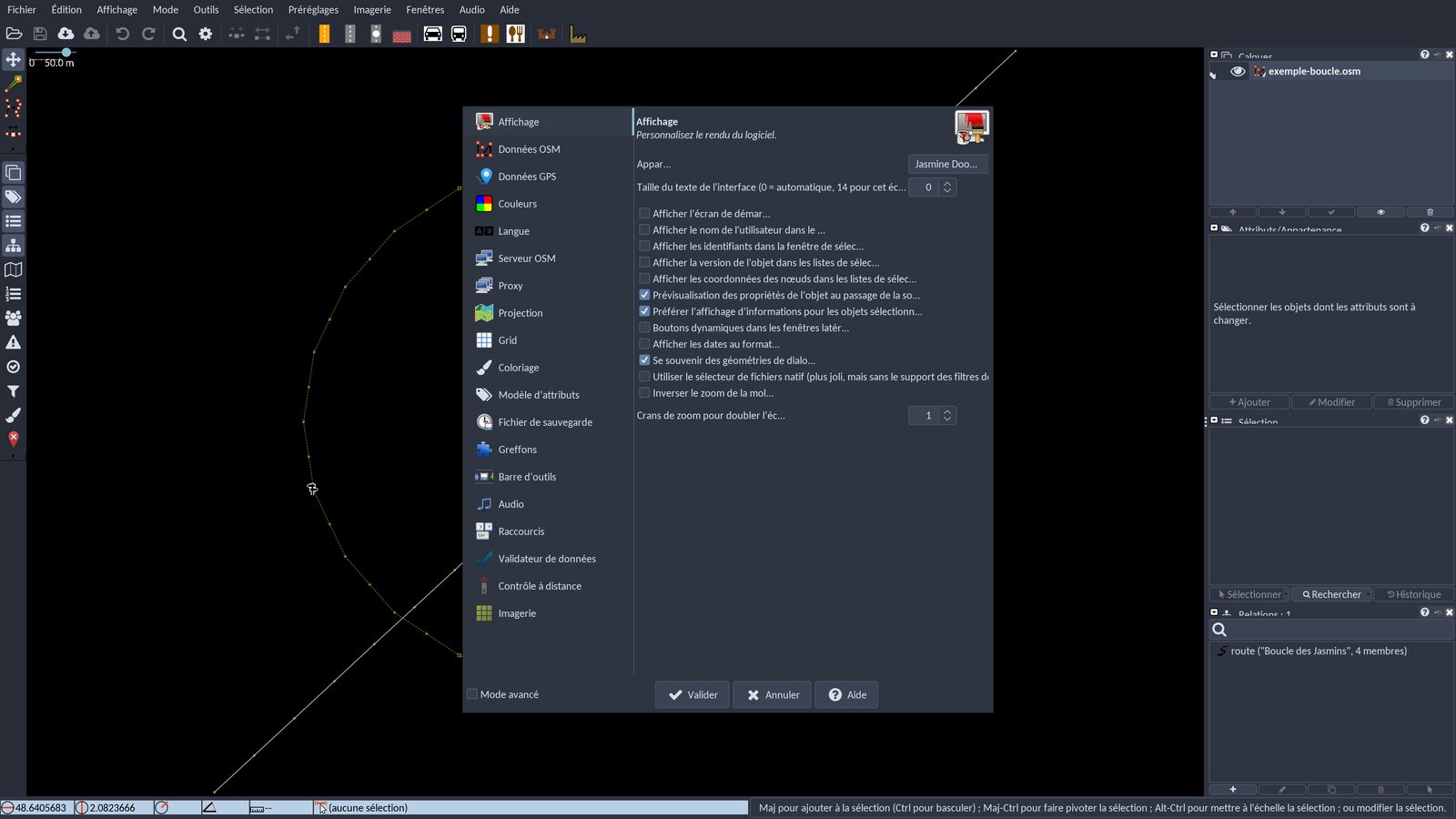
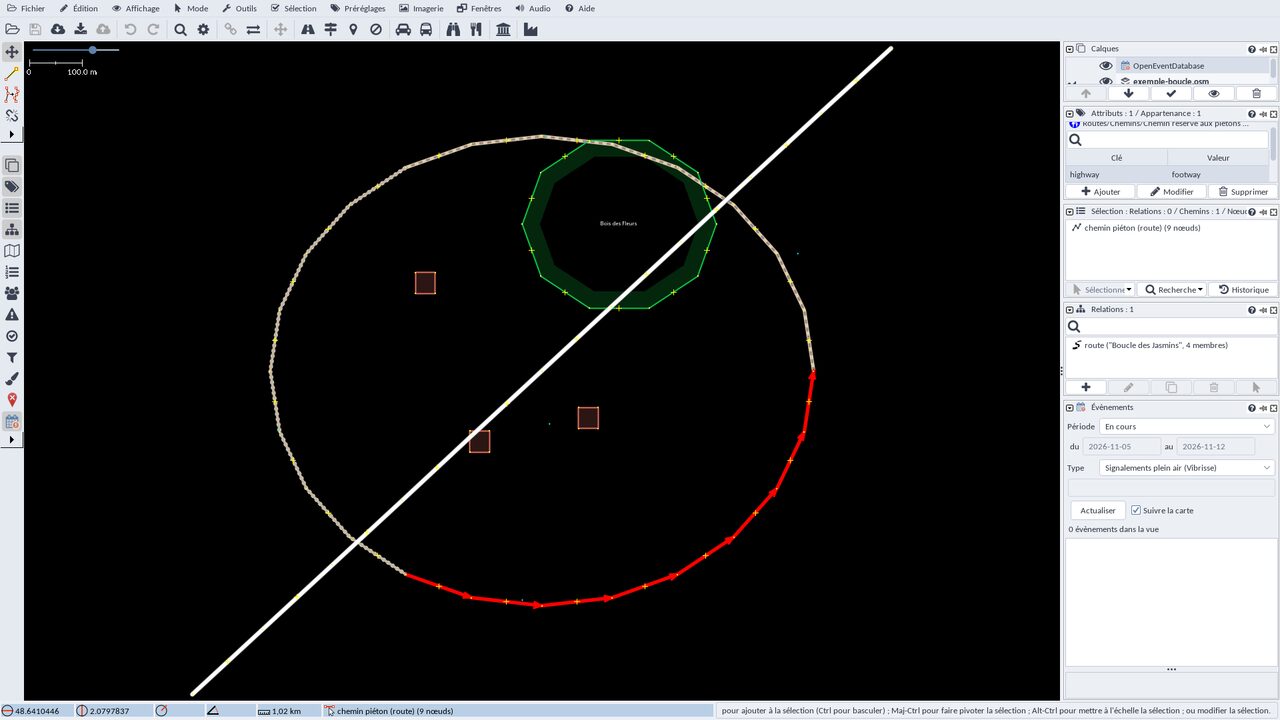
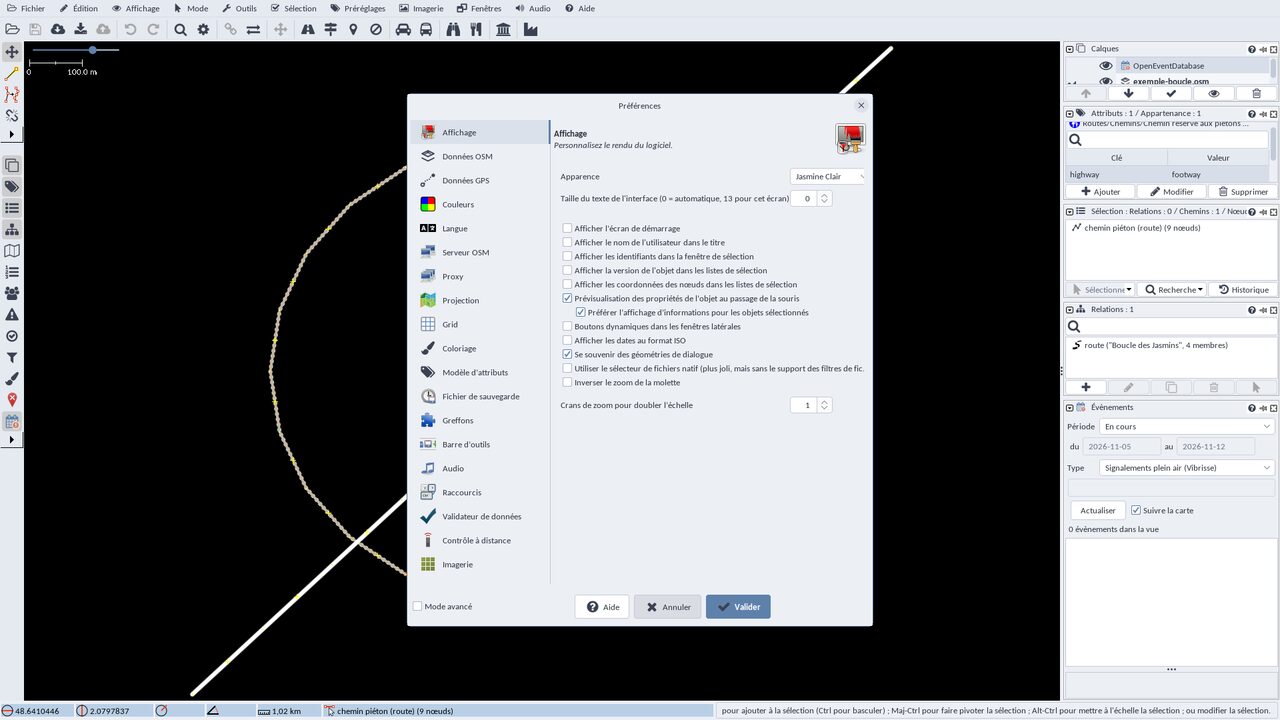
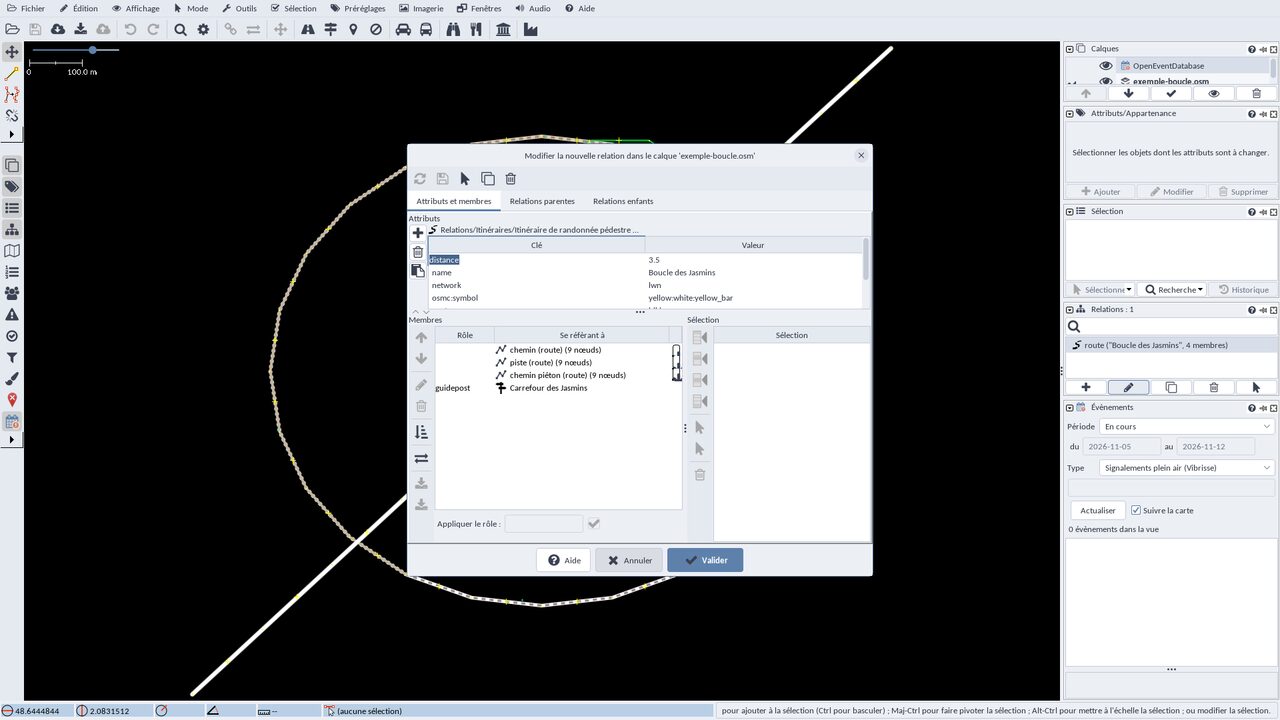
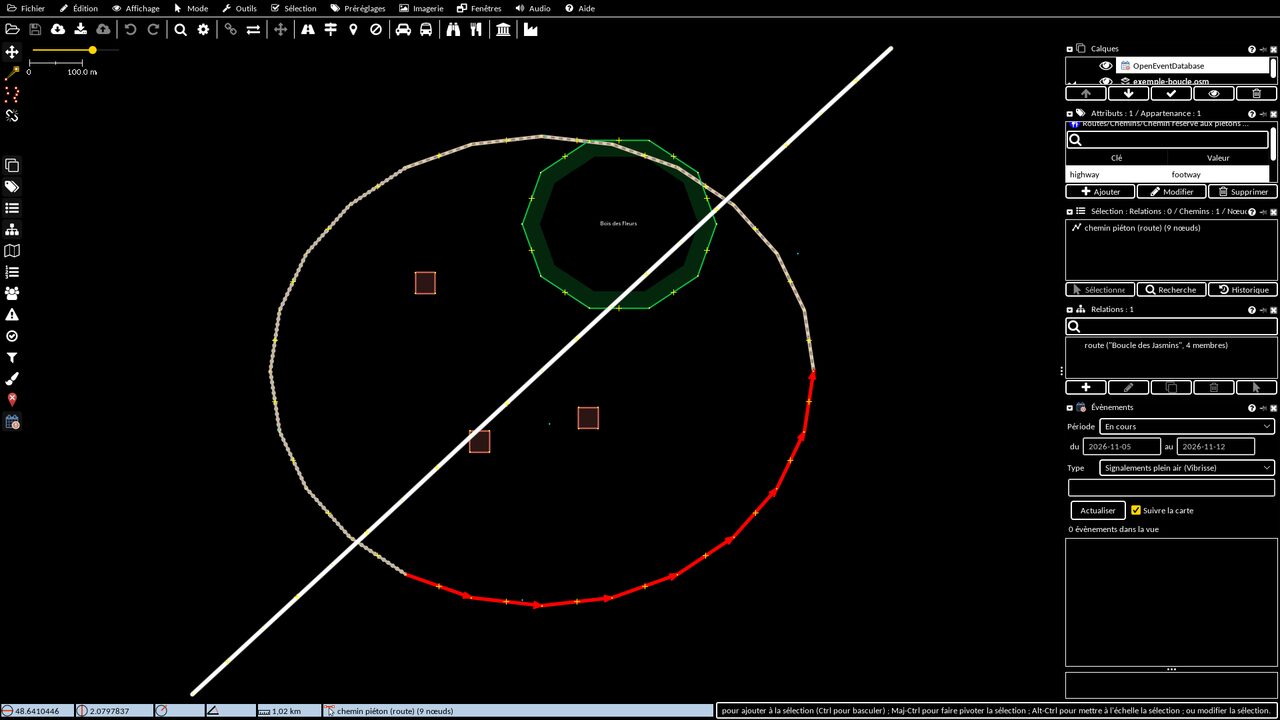
What changes
Three themes
Doom Nord (default), Light and High contrast, built on FlatLaf. Pick one in Preferences › Display › Look and Feel; JOSM's themes are still offered.
Vector icons
Toolbar, menus, panels and relation editor redrawn from Fork Awesome, as in Vespucci joli, in the theme colour; OSM elements, validator severities and layer types drawn by hand.
Roomier buttons
Padding around the text of buttons, fields and tabs, rounded corners, tables without grid lines, thin scrollbars; in dialogs, Help first and the confirming button last, in the primary action colour.
Carlito font
Carlito (Calibri metrics, OFL licence) bundled. 13 points at 1080p, 14 on large screens; on a 4K screen without system scaling, the whole interface is scaled up. Adjustable in the preferences.
iD-like map
The Better-iD style (roads, waterways and land use coloured as in iD) is active from the start; JOSM's style stays in the list.
French IGN imagery
BD Ortho, Ortho Express 2024 to 2026, the Ortho HR vintages from 2013 to 2024 and the open PCRS raster are in the Imagery menu from the start.
Panoramax and photoadjust plugins
Installed on first launch: Panoramax street-level pictures, and geotagged photos you can move on the map. Panoramax needs Java 21: with Java 17, it gets installed once Java is updated.
Outils de dessin
Installés d'office : buildings_tools (tracer un bâtiment en deux clics), utilsplugin2 (outils d'édition : remplacer la géométrie, sélectionner les objets liés…), FastDraw (tracer à main levée) et PicLayer (caler une image, une carte papier ou un plan, en fond de carte).
OpenEventDatabase events
Plugin published with Jasmine and installed out of the box: an “Events” panel and a layer of OpenEventDatabase events, filtered by period and type; by default, the ongoing outdoor reports from Vibrisse (obstacles, closures, works…). For JOSM: add
https://www.cipherbliss.com/jasmine/greffons/liste.txtto the plugin sites.Imageries COG
Greffon cog4josm de cquest, publié avec Jasmine et installé d'office : une image COG (Cloud Optimized GeoTIFF) distante s'ajoute comme imagerie de fond, sans être téléchargée en entier ; seuls les morceaux utiles pour la vue sont lus (requêtes HTTP par plages).
Toolbar and menus
A “download in current view” button (into the active layer) next to “download”; icons in front of File, Edit, View…; dialogs with rounded corners and a title bar in the theme colours.
Following JOSM
Every night, as soon as JOSM publishes a new “tested” release, Jasmine merges it, rebuilds and this page is updated.


Good to know
- Unofficial build, neither published nor supported by the JOSM team. Feedback on editing itself belongs to JOSM; feedback on the look, to this variant.
- JOSM plugins install as usual (Preferences › Plugins).
- The map keeps JOSM's black background; besides the Better-iD style, only the interface changes.
- No automatic update inside the application: come back to this page, or compare version.json.