 Our apps
 Vespucci
 JasmineJOSM, desktop OpenStreetMap editor
Baba bliss
A variant of Baba, the Android capture app for Panoramax, the free street-level imagery database: same camera, same upload to Panoramax; sequence photos evenly spaced on the ground rather than in time, an on-the-spot panorama, links between your photos and the OpenStreetMap objects they show, and doom-nord menus.
Screenshots
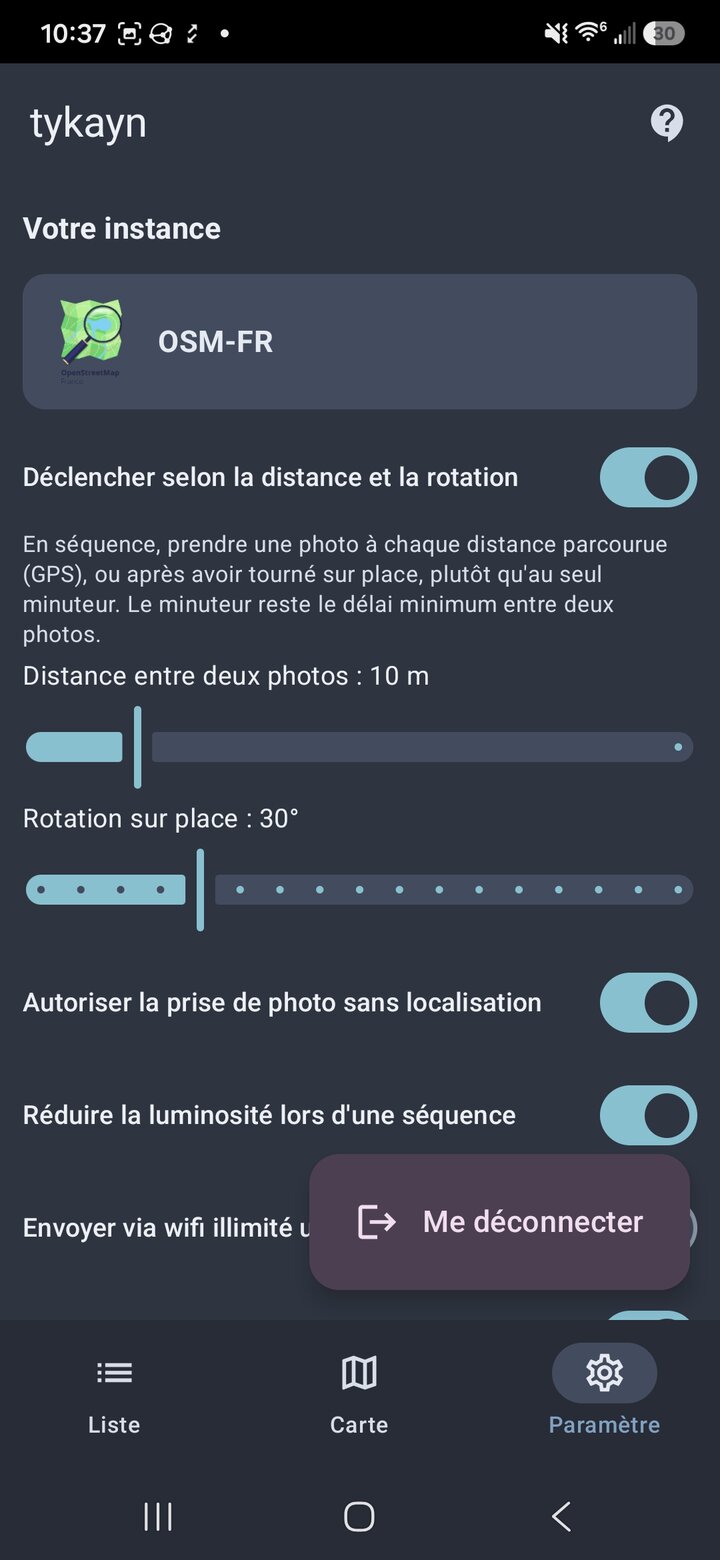
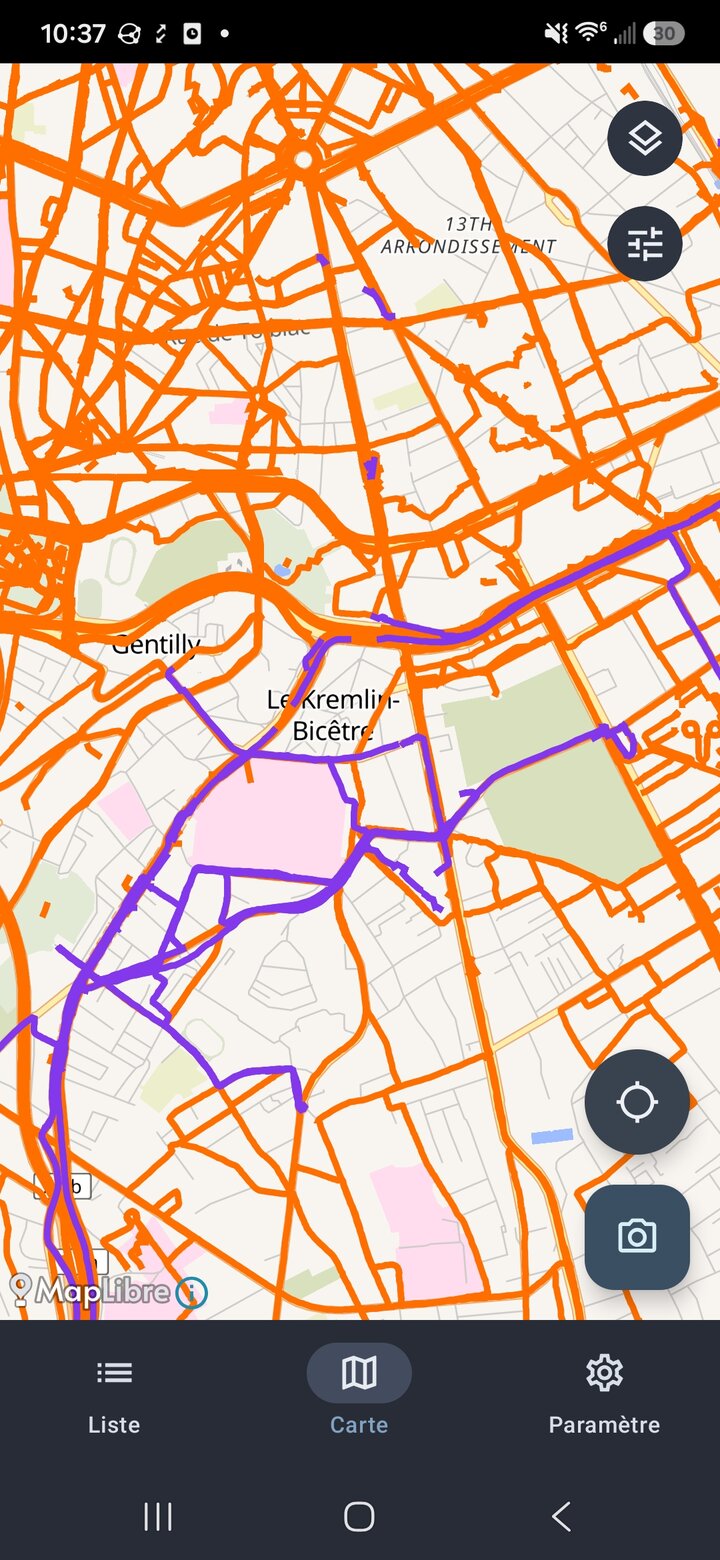
What changes
Photos spaced on the ground
In a sequence, a photo is taken every 10 metres travelled (adjustable from 2 to 50 m) according to GPS, not only on the timer, which stays the minimum delay between two photos. On by default.
On the spot, by rotation
When standing still, no more identical photos: the next one is only taken after turning 30° (adjustable) from the previous one, according to the compass.
On-the-spot panorama
A button starts a panorama: turn around, a photo is taken every 30°, and capture stops after one full turn (12 photos), with progress on screen.
Photos without position flagged
In the sequence list, after the “Not sent” status, a crossed-out marker and the percentage of photos without a GPS position.
Photos linked to OSM objects
A chain-link button on the map links Panoramax photos to nearby OpenStreetMap objects (charging stations, plaques, artworks, addresses…) and sends the links to OSM with your account. How it works.
doom-nord theme
Navigation bars, menus and buttons in the colours of the Emacs doom-nord theme, light and dark, with checked contrasts (WCAG AA, at least 4.5:1 for text); wallpaper colours no longer applied.
- background
- bars
- primary
- secondary
- accent
- success
- warning
- error
- text
Link photos and OSM objects
The chain-link button, at the bottom left of the map, adds to OpenStreetMap objects the ids of the Panoramax photos that show them (tags panoramax, panoramax:1, panoramax:2…). Mappers can then open the photo from the object, to check a charging station, read a plaque or a house number.
- Tap the chain-link button, then one or more Panoramax photos on the map, and confirm.
- OSM objects within 50 m of the photos load, on the map and in a list sorted by distance, with an icon per kind of object.
- Tap an object to link it to the chosen photos. Repeat with other objects or other photos: links add up.
- “Send to OSM” publishes all the links as a single changeset, with your account.
 charging station
 memorial plaque
 artwork
 monument
 information board
 address
 bench
 defibrillator
OSM account through Vibrisse
You sign in from the browser, on Vibrisse, which then relays the upload to the OSM API: the app never sees your password. One sign-in is enough, access is renewed afterwards.
EV charging theme
In the map options menu, this theme only offers charging stations (
amenity=charging_station,man_made=charge_point). The same menu hides the chain-link button if you do not use it.Spot what is linked
Photos and sequences already linked show a link icon: on the map, in the photo header, in the sequence list and in the sequence detail.
Taking photos for OSM
The help dialog (“?” button) reminds you on first use:
- the object in portrait, well framed, so it can be recognised;
- a photo in its context (street, façade, crossroads), to place it;
- readable details: reference plates, charging station sockets, names on memorial plaques, artworks and their label, house numbers;
- avoid framing faces and number plates.
Good to know
- Objects are read from the public OpenStreetMap API, without Overpass. Relations are not offered, and photos still on the phone, without a Panoramax id, cannot be linked.
- The link icon comes from the history kept on the phone: only links sent from this device are marked.
- Without GPS position (or with an accuracy too poor to judge a move), the sequence falls back to the timer alone: no photo is lost.
- The panorama is not stitched on the phone: Panoramax receives the photos with their heading.
- This is a test build, signed with a development key: Android asks to allow installing from the browser.
- Unofficial variant, neither published nor supported by the author of Baba. Feedback on capture and upload concerns the original app; feedback on these additions, this variant.
- Source code: source.cipherbliss.com/tykayn/baba-bliss (branch
bliss).